GPX files for cycling
What a GPX file is, and how to get one from your phone onto the bike computer you ride with.
A GPX file is a route saved as a list of map points, in a standard format almost every cycling app and bike computer can read. To ride one, open it on your phone, choose your bike computer's app from the list it offers, and send it to the device from there.
What is in a GPX file
A track is the exact line, as a long list of points. This is what a bike computer follows as a course.
A route is a short list of turning points, for a device to find its own way between. It may not take the roads you meant.
Waypoints are single named places on the way, like a café, a viewpoint or a turn.
GPX, the GPS Exchange Format, is a plain text file in XML, first published by TopoGrafix and now at version 1.1. Plain GPX has no standard place for turn-by-turn instructions: most bike computers work the turns out themselves from the track, and Garmin can also read TCX files, which carry a cue sheet.
From Linje, and into it
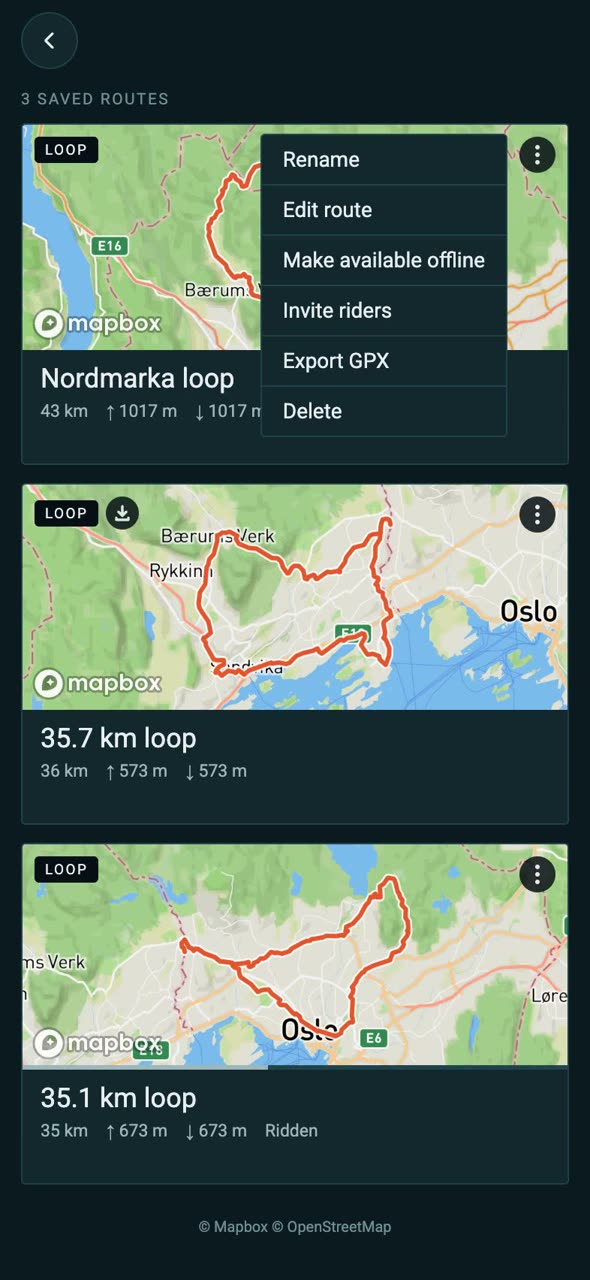
Any saved route or recorded ride in Linje can be exported as a GPX file, ready to open in the apps below. It is version 1.1 with a single track, the height of every point and the turns as waypoints, which Garmin devices show as course points.
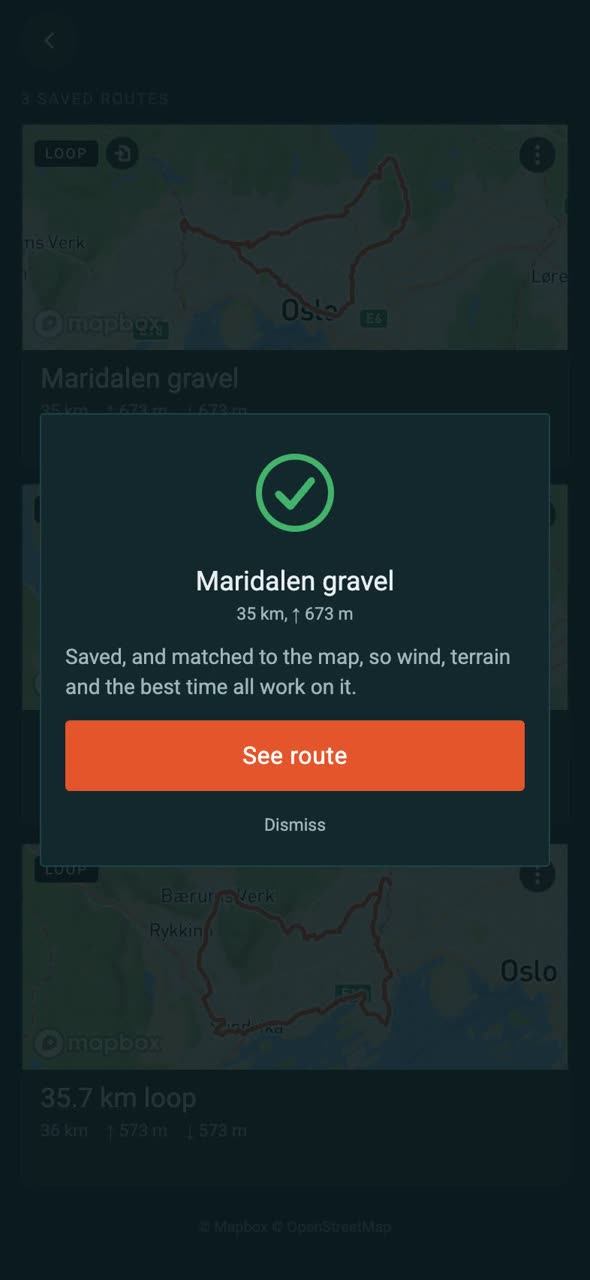
It goes the other way too: import a GPX from another app or a friend, and Linje matches it to the roads, so the wind, the terrain check and the best time to leave all work on it.
Onto your bike computer
Garmin Edge and Garmin watches
- Open the GPX file on your phone and share it to Garmin Connect. On an iPhone, tap Share and pick Garmin Connect, or tap More if it is not shown.
- Choose a course type, such as Road Cycling, rename it if you like and save.
- In Garmin Connect, go to More, then Training & Planning, then Courses. Open the course, tap the send icon and choose your device. It arrives on the next sync.
- On an Edge, find it under Navigation, then Courses.
Garmin Connect also takes .fit and .tcx. On the web, it is Training & Planning, then Courses, then Import. A device shows only the first 15 characters of a course name.
Wahoo ELEMNT
- On the newer ACE, BOLT 3 and ROAM 3, open the GPX file on your phone and choose the Wahoo app. Say yes to importing it.
- Go to Explore, then My Collection, then My Routes. Open the route and tap Send to ELEMNT.
- Older ELEMNT, BOLT and ROAM models use the ELEMNT app: open the file, choose ELEMNT, and the route appears under Routes.
Both apps take GPX, TCX and FIT. Your phone needs a connection, because the route goes through Wahoo's cloud.
Hammerhead Karoo
- From your phone, share the GPX file to the Hammerhead Companion app. It becomes a route and syncs to the Karoo straight away if it is connected.
- Or on a computer, open the Hammerhead Dashboard, go to Routes, then New Route, then Import, and drop the file in.
Sharing from the phone is for the latest Karoo. Older models use the Dashboard and sync from the Karoo under Routes.
COROS DURA and COROS watches
- Open the GPX file on your phone, choose the COROS app and tap Save.
- In the app, go to Explore and the route library, open the route, then Sync with Your Device and Send.
COROS adds its own turn arrows to an imported route. On an iPhone, if a file from Messages will not open, save it to Files first and share it from there.
Bryton
- Open the GPX file on your phone and choose Open in Active on an iPhone, or the Bryton Active app on Android.
- In the app, go to Course, then My Route, and use the menu on the route to send it to your device.
- On the device, find it under Navigation, then Route.
Finding the file on your phone
On an iPhone, a downloaded GPX is in the Files app, usually under Downloads. Touch and hold it, choose Share, and pick the app. On Android, tap it in your Downloads or Files app and choose the app from the list it offers. If the app you want is not listed, it is not installed.
Questions
What is a GPX file?
A GPX file is a route or ride saved as a list of map points in the GPS Exchange Format, an open XML format now at version 1.1. Almost every cycling app and bike computer can read one.
How do I put a GPX file on my Garmin?
Open the file on your phone, share it to Garmin Connect, choose a course type and save. Then send the course to your device from Training & Planning, Courses, and it arrives on the next sync.
What is the difference between a GPX track and a route?
A track is the exact line as a long list of points, which bike computers follow as a course. A route is a short list of turning points that a device finds its own way between.
Do GPX files include turn-by-turn directions?
Not as standard. Most bike computers work the turns out from the track. A GPX from Linje also carries the turns as waypoints, which Garmin devices show as course points.
Sources
- GPX 1.1 schema: TopoGrafix
- Garmin: importing a course into Garmin Connect and sending a course to a device
- Wahoo: routes in the Wahoo app and routes in the ELEMNT app
- Hammerhead: importing to the Dashboard and sharing to the Companion app
- COROS: routes on DURA and routes on COROS watches
- Bryton: Rider S510 manual, page 16
- Apple: files on iPhone
Steps checked against each maker's own pages on . Apps change their menus; if a step here is out of date, write to hello@linje-route.com.
Related
Where are you riding next?
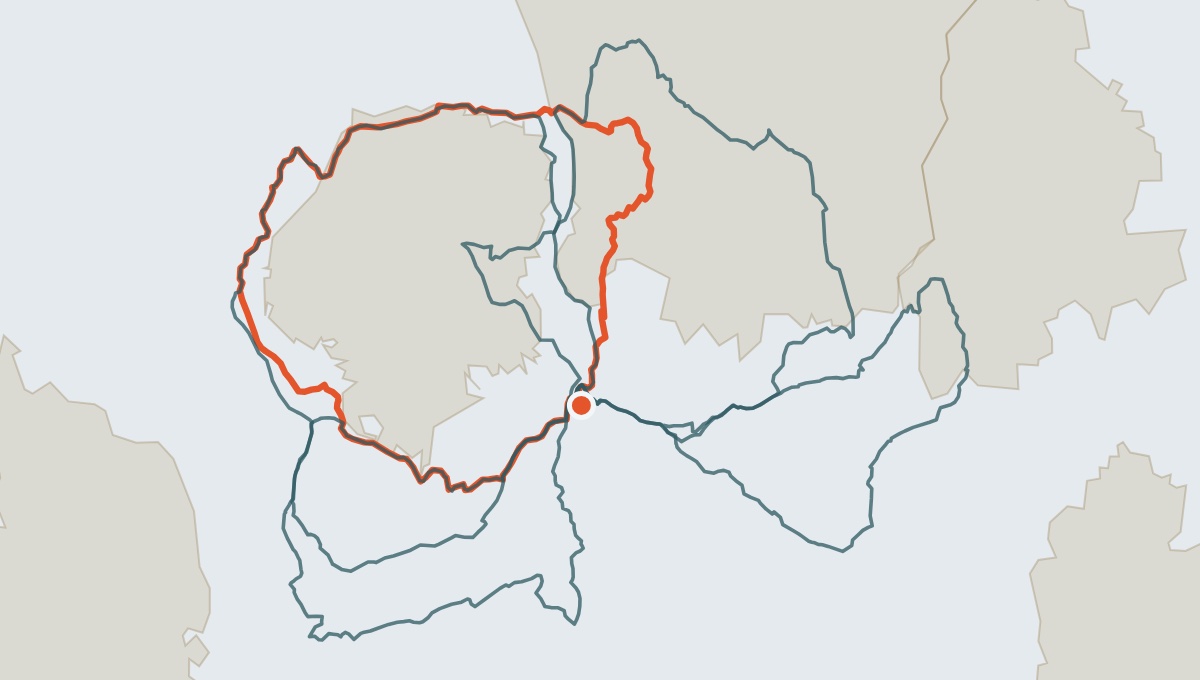
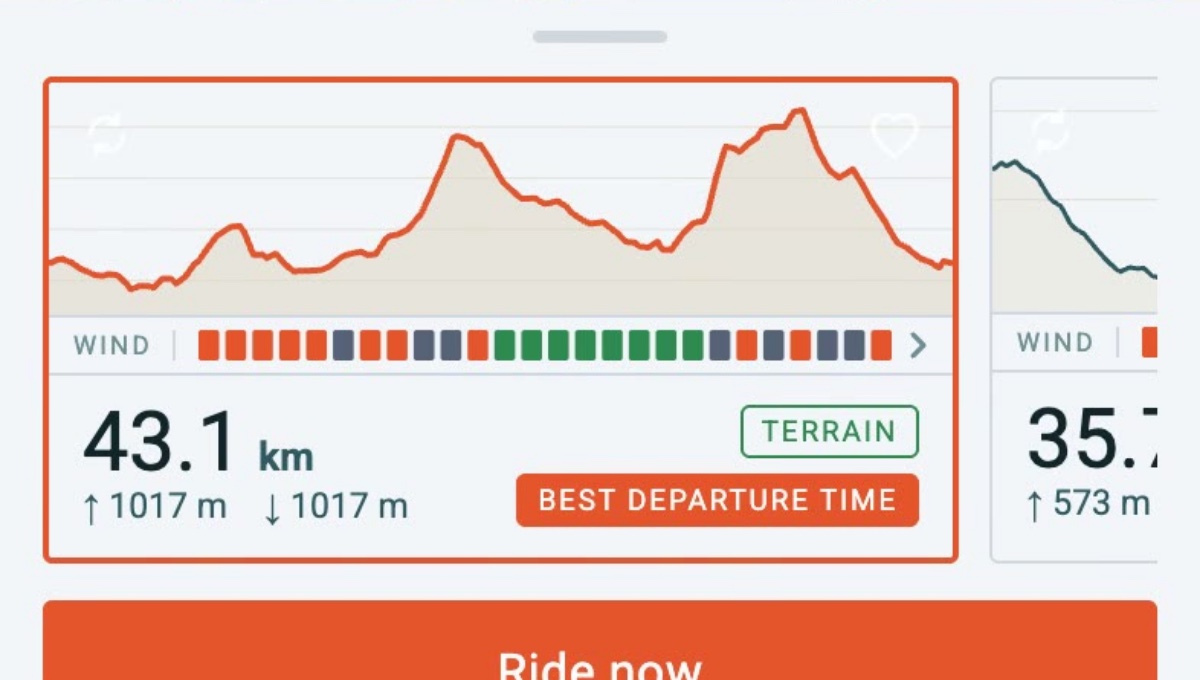
Linje builds the ride, then works out when to leave and which way round. Join the waitlist for early access.